They write real code
Python, HTML, CSS and JavaScript, typed out rather than dragged, by the middle of the journey.
We use cookies that are needed to run the site, and — only if you agree — cookies that measure how the site is used and how our ads perform. You can change or withdraw your choice at any time from “Cookie preferences” in the footer. Our Privacy Policy lists every tool we use and how long we keep the data.
In person at our Mississauga South centre, with six students per instructor.
The same thirteen-level Junior Creator journey (Scratch, Python, websites and apps, then their own AI project), taught at our Mississauga South centre by the instructors your child will see every week.
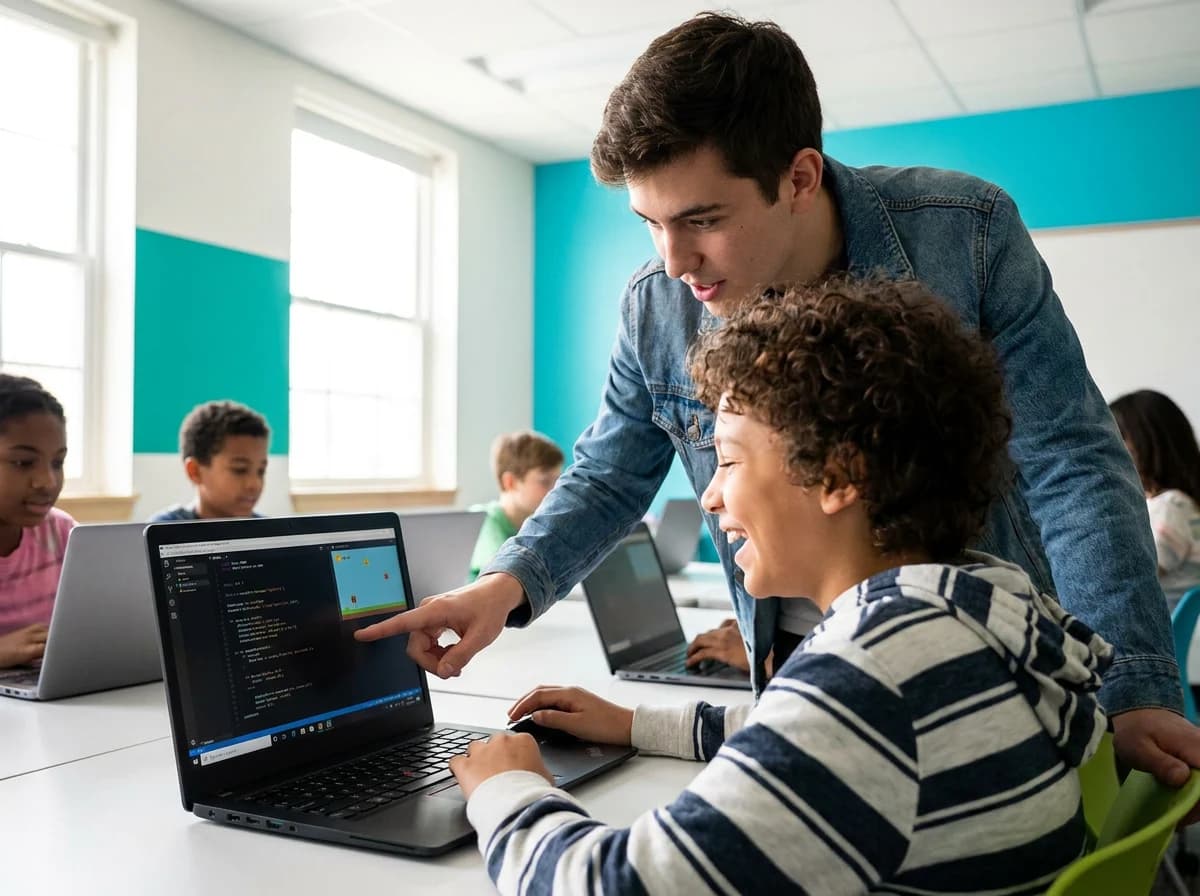
Junior Creator is an in-person coding program for children aged 7 to 14, built as thirteen levels. Students begin with block coding in Scratch, progress to Python, then to websites and web apps, and finish by building a product with a working AI feature they trained and can explain.
Python, HTML, CSS and JavaScript, typed out rather than dragged, by the middle of the journey.
Reading an error message and working backwards is a habit here, not a crisis.
With data they collected, and they can tell you where it goes wrong and why.
Every level ends with them presenting it. Explaining it is how we know they understood it.
It's a fair question, and the honest answer isn't that AI is bad at code. It's often very good at it. What it can't do is decide what should be built, notice that what it produced is subtly wrong, or judge whether the result is any good. Someone has to hold that judgement, and it comes from having built things yourself.
A child who has written a loop, watched it fail and worked out why can read what an AI hands them and say: that part's wrong. A child who has never written one has no way of knowing. Both of them can type a prompt. Only one of them can tell whether the answer is right.
The children who'll struggle are the ones who can only prompt. We're not training those.
Every level is ten 60-minute lessons and ends with a project your child presents, a certificate and a skill badge. Each level carries two names: the level name, and the skill name that appears on your child's badge.
Ages are guidance, not a gate. The instructor places your child where they will be stretched, and a student who is ahead can test out of a level and move up.
Level one starts here.
Block coding · Sequences, motion and animation, their first game, and a robot that speaks four languages.
Block coding · Variables, logic and clones, with enemies and a chatbot that follow rules they wrote.
Block coding · Functions, lists and generative art, plus a real image model they train and then play at rock, paper, scissors.
Block coding · Physics, particles and procedural worlds, plus a trainable neuron that learns in front of them.
Python · Their first typed code, through turtle drawing, games and a text adventure with a talking character.
Python · Real 2D arcade games in Pygame Zero, with enemy brains and a boss that predicts their moves.
Python · Files, data and charts, and a miniature text generator they build themselves from counted patterns.
Python · Machine learning end to end: classifiers, a neuron, hand tracking, and an AI running on the class laptop.
Websites and apps · HTML, CSS and their first JavaScript, ending in a three-page site published at a real address.
Websites and apps · Real interactivity: events, design systems, saved data, and a page controlled by a model they trained.
Websites and apps · Web apps with state and live data, plus neural networks running inside the browser they built.
Websites and apps · End-to-end products, coding alongside AI responsibly, and shipping something a stranger can use.
Their own AI project · One signature AI product of their own invention: specify, build, test, evaluate and pitch it.
Real projects from real classes. Every one runs, and every one was presented by the child who made it.
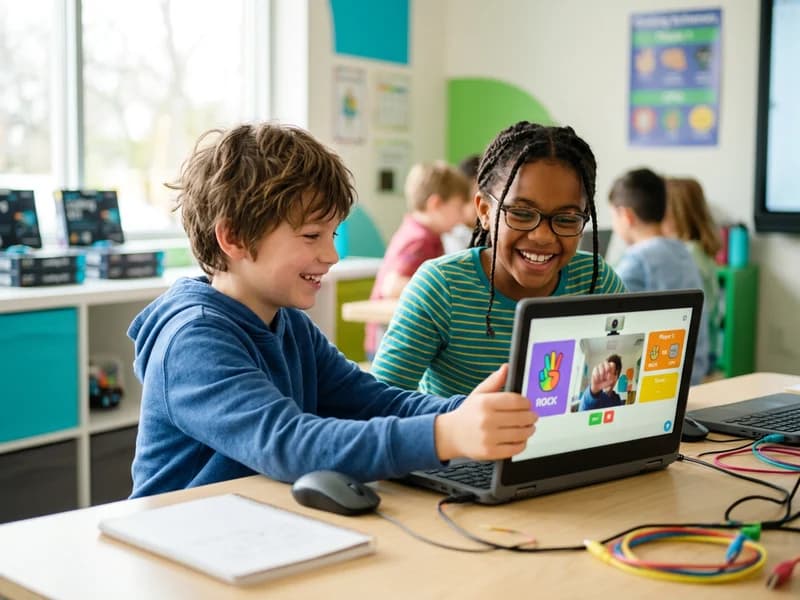
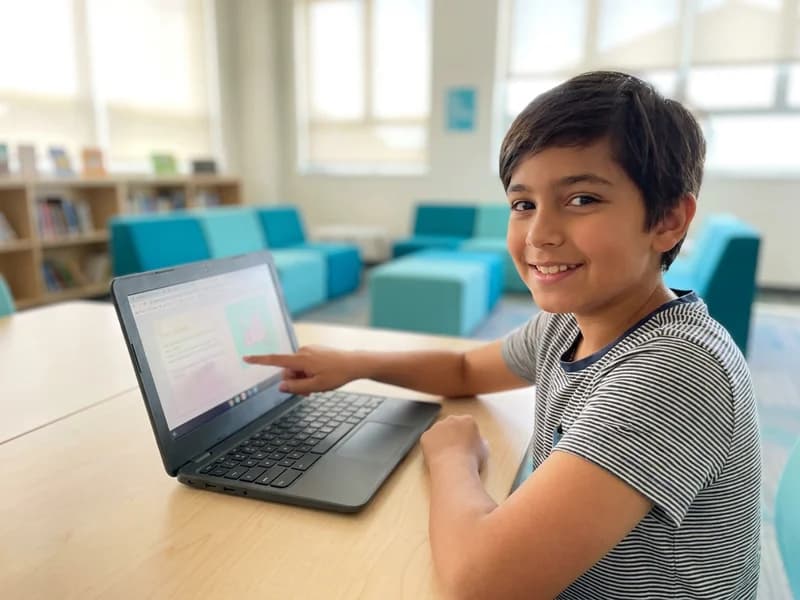
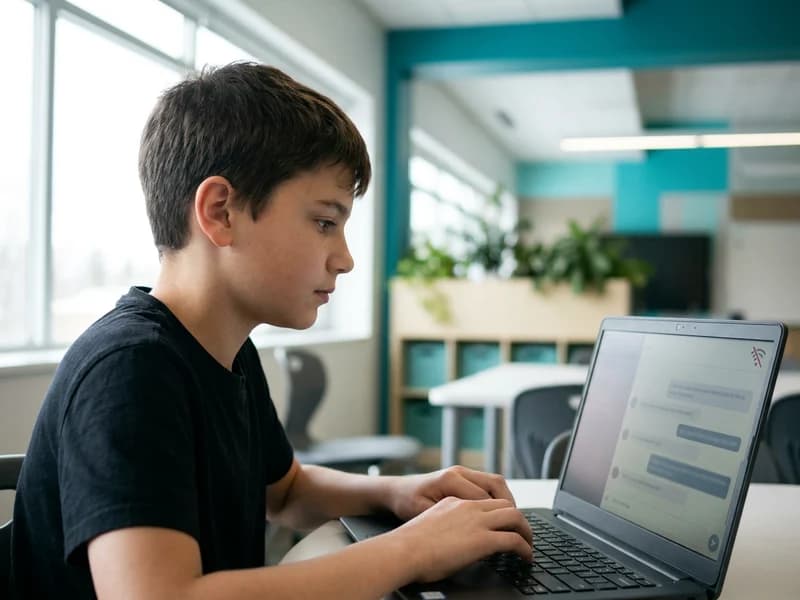
Scratch, where the logic is visible. Complete games and simulations, and their first trained AI model.
Real code in VS Code, the professional editor. Arcade games, data analysis, machine learning written from scratch.
HTML, CSS and JavaScript. Published sites, web apps with real state, then a product shipped to a real user.
Their choice of problem and tools. One signature AI product, conceived, engineered, evaluated and launched.
Every tool in the program is free: Scratch, Visual Studio Code, Python, Pygame Zero, Chrome and Teachable Machine. Families buy nothing, and the AI tools run on the classroom laptop rather than the cloud, so no child's camera image, voice or writing leaves the room.
Your child always knows which step they are on, and can tell you the difference between the five.
Their project uses AI someone else built: speech and translation, from Level 1.
They write every rule the brain follows: enemies that sense, decide and act, and their own chatbot.
No rules written. The machine learns from examples your child gathered, then shows what the data left out.
They build the thing that predicts and creates: a miniature text generator, which is how the big ones stop being magic.
They direct an AI assistant, then verify, test and take responsibility for its work before trusting it.
We never call an if-then block real AI. We teach your child the difference, so that when they say they built an AI, they can tell you exactly what they mean.
Your child will train real AI models, build a text generator that works like ChatGPT in miniature, run a private AI on a laptop, and — most importantly — explain how all of it works.
You choose how often your child comes: once, twice or three times a week. Every session is 60 minutes, with up to six students per instructor.
One 60-minute session
Best for a child fitting coding around other activities, or trying it properly for the first time. The software levels: Scratch, Python, web development and the AI work.
Robotics and electronics aren't part of this option.
Two 60-minute sessions
Best for most children. Coding and robotics in the same week, so what they build in one class gets used again in the next.
Robotics and electronics included.
Three 60-minute sessions
Best for the child who's already asking for more, and wants bigger projects rather than more of the same. Room for the harder stretch tasks and bigger builds.
Robotics and electronics included.
Robotics and electronics are included from twice a week upward at no extra cost, never a separate purchase. Once-a-week students spend their session on the software levels, because a single 60-minute class doesn't have room for both. Arduino and micro:bit sit in the same block.
Mixed ages by design, with three levels of difficulty inside each lesson, so a seven-year-old and a thirteen-year-old are both stretched.
Every session runs 60 minutes, and every level is ten of them. A child who's ahead can test out of a level and move up. That's true at every location.
A free 60-minute class. Your child builds something real, and the instructor recommends the level that fits.
Projects, certificates and skill badges live in their CodeyKids portfolio. Take-home projects are optional, never required.
“solve problems and create computational representations of mathematical situations by writing and executing efficient code, including code that involves conditional statements and other control structures.”
“write and execute code in an investigation of mathematical concepts, and read and alter existing code, including code that involves the analysis of data in order to inform and communicate decisions.”
In Ontario, coding isn't an extra. It runs through the mathematics curriculum from Grade 1 to Grade 8, and the expectations get sharper every year. Junior Creator covers that ground properly, with six students in the room.
Reading is the deciding factor, not the birthday. If they read comfortably and want to type, start here. If reading is still effortful, another term in Junior Thinker is the kinder route, and moving up part-way through is easy.
A beginner at thirteen or fourteen still starts here, usually around Level 5, and moves quickly. If they have coded before and want university-facing work, Ultimate Innovator is the better fit.
Seven-year-olds fit either program. What decides it is whether your child is reading confidently and ready to type. The same is true at fourteen, where a beginner still starts here.
Hear From Parents
The three closest centres to Mississauga South, in a straight line from here.
Because AI produces code but can't judge it. Deciding what to build, spotting what is subtly wrong and knowing what good looks like all come from having built things. Children who code end up directing AI; children who don't are left trusting it.
No. Level 1 assumes nothing: no coding, no typing speed, no mathematics beyond counting. An older beginner may start at Level 5 or Level 9 and move faster, and a practical exam lets any student skip a level they have outgrown.
During the free trial class. Your child builds something in a real session and the instructor watches how they handle it, then recommends a level and explains why.
Every level is ten 60-minute lessons, so it depends on how often your child comes: once, twice or three times a week. There's no requirement to complete all thirteen, and a student who's ahead can test out of a level and move up.
Yes, and this runs at every location. A student who has outgrown their level sits a 30-minute practical build plus a short conversation explaining their code. Passing earns the certificate and badge for that level and moves them straight up.
Real, and deliberately honest. Students train models on data they collect, write a classifier and a neuron themselves, build a miniature text generator, and in Level 8 run a large language model on the classroom laptop and check it for bias. We never call an if-then rule real AI, and we teach the difference explicitly.
Scratch first, then Python in VS Code, then HTML, CSS and JavaScript. Level 13 is their own choice of tools. Robotics and electronics add Arduino and micro:bit from twice a week upward. Every tool is free, and nothing needs buying at home.
No. Everything is provided at the centre. Projects are saved to their CodeyKids portfolio so they can carry on at home on any computer if they want to.
It's creative screen time. Every lesson ships something your child made, and every level ends with them presenting it. They're designing, debugging and explaining rather than watching.
Coding sits in the Ontario mathematics curriculum from Grade 1 through Grade 8 under Strand C. Students here meet that work already knowing how to write, read and alter code.
Most students move into Ultimate Innovator, where the work turns towards Java, C, React and portfolio projects for university applications.
One free class at your local centre. Your child builds something, and the instructor tells you honestly which level fits.