Junior Thinker
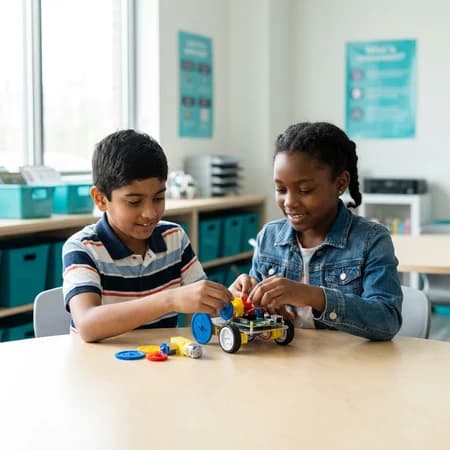
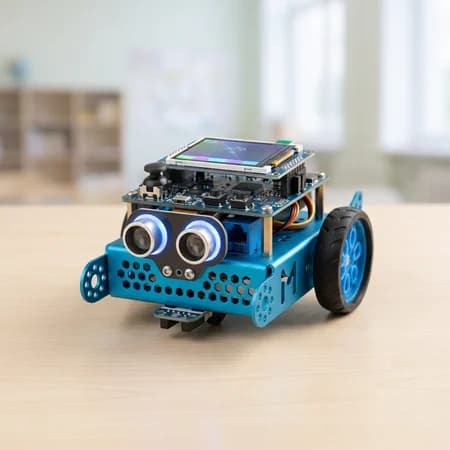
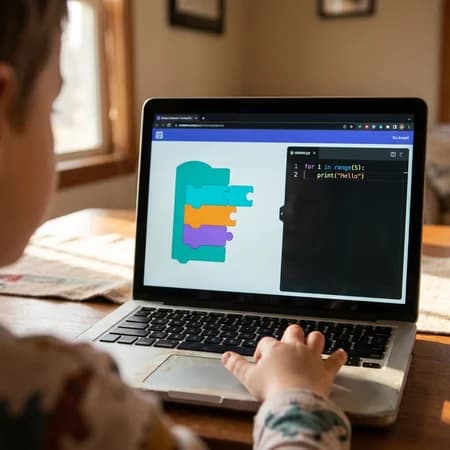
Visual programming with ScratchJr and codeSpark: they build interactive stories and games, then bring a sensor robot to life. Sequencing, project design and problem solving, before reading fluency.
Explore Junior Thinker →We use cookies that are needed to run the site, and — only if you agree — cookies that measure how the site is used and how our ads perform. You can change or withdraw your choice at any time from “Cookie preferences” in the footer. Our Privacy Policy lists every tool we use and how long we keep the data.
Kids who understand code will direct AI. Kids who don't will be directed by it.
From their first block of code to shipping their own AI-powered project, kids at Ultimate Coders climb a real creator's journey. They make games, train AIs and launch real apps, in small classes of six, right here at our Ancaster centre.
Trusted by Parents, Loved by Kids!
Teaching kids to code since 2018·Ancaster centre·6 students per instructor·Every class ends with something working
No tests, no pressure, no credit card. The instructor picks the right project for your child's age and experience, whether that's bringing a character to life, building a catch-the-stars game, or trying a first Python challenge, and your child spends the hour actually making it. You watch them show it off at the end, and we tell you exactly where they'd start and what they'd build there. By the end of that hour, your child is showing you something they made.
Ages 5–18 · At Ancaster· Every child finishes a project.
Three programs, one continuous path, so kids move up as they grow.
Visual programming with ScratchJr and codeSpark: they build interactive stories and games, then bring a sensor robot to life. Sequencing, project design and problem solving, before reading fluency.
Explore Junior Thinker →
A 13-level path that goes from block coding to Python, to building websites and apps, and finally a studio level where they build and launch a real AI-powered project of their own. Every class ends with something working, and every level ends with a showcase class where your child presents what they built.
Advanced Python, Java, C/C++, C# and ReactJS, plus SQL databases and machine learning: the algorithms and data structures behind real, responsive web apps.
Explore Ultimate Innovator →Also available onlineTwenty levels, six students per instructor, taught against your child's provincial curriculum. The free assessment finds the exact idea they are stuck on, and you get a report on every class, emailed every Sunday. On its own, or added to a coding enrolment.
March Break, PA Days and full summer weeks, where your child builds a real project in a few days, no previous coding needed. Ages 5–14, in person at your local centre.
A lot of “AI for kids” is a chatbot demo and a certificate. Ours is five steps your child works through in order, and they always know which step they're on.
They use AI tools inside their first projects, like speech and translation.
They write the rules that make game characters and chatbots decide what to do.
They train a real model using examples they collect themselves.
They build a small text generator and learn how the big ones really work.
They learn to prompt it, check its work, and use it the way an editor uses a writer, not the other way round.
We never call a block of if/then rules “real AI”. We teach kids the difference. Ask a graduate to explain how their AI learns. That's the whole point.
Your child will train real AI models, build a text generator that works like ChatGPT in miniature, run a private AI on a laptop, and, most importantly, explain how all of it works.
Real projects from real classes, at every age.
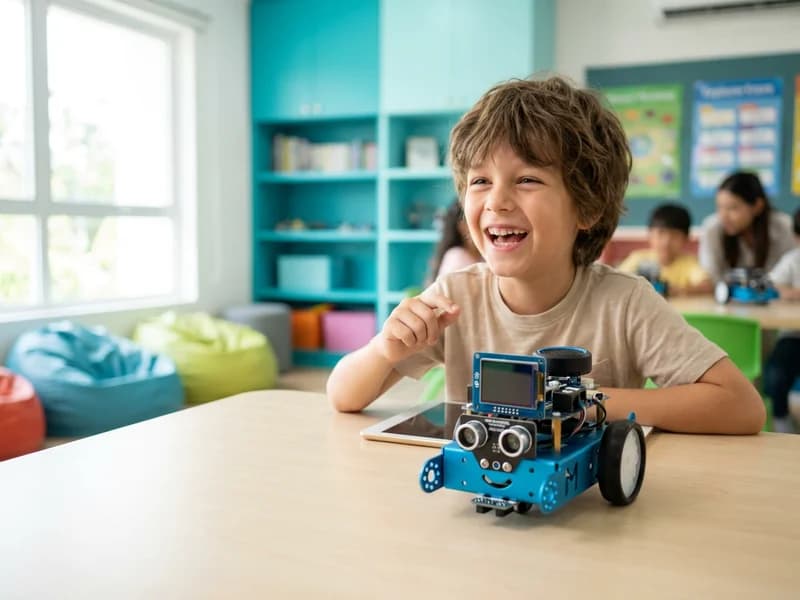
The Talking DJ Robot: their program speaks in four languages
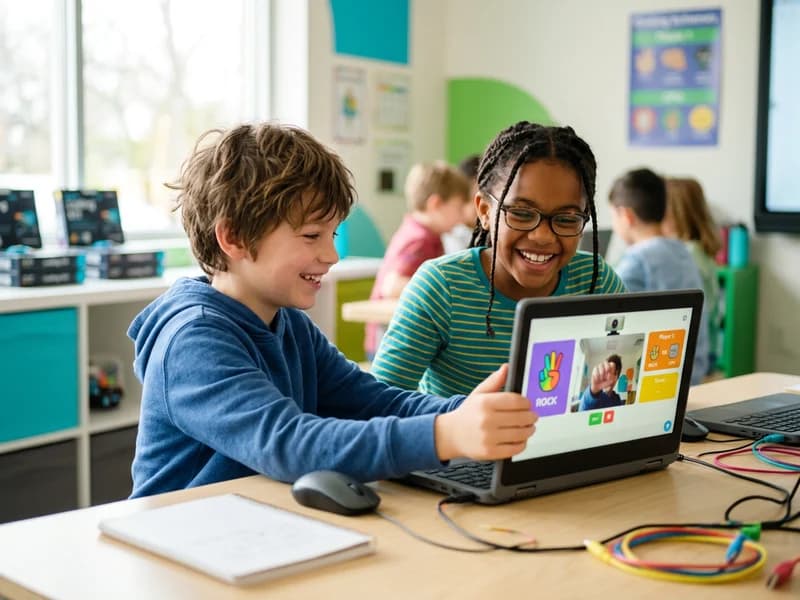
Rock-Paper-Scissors against an AI they trained with their own webcam photos
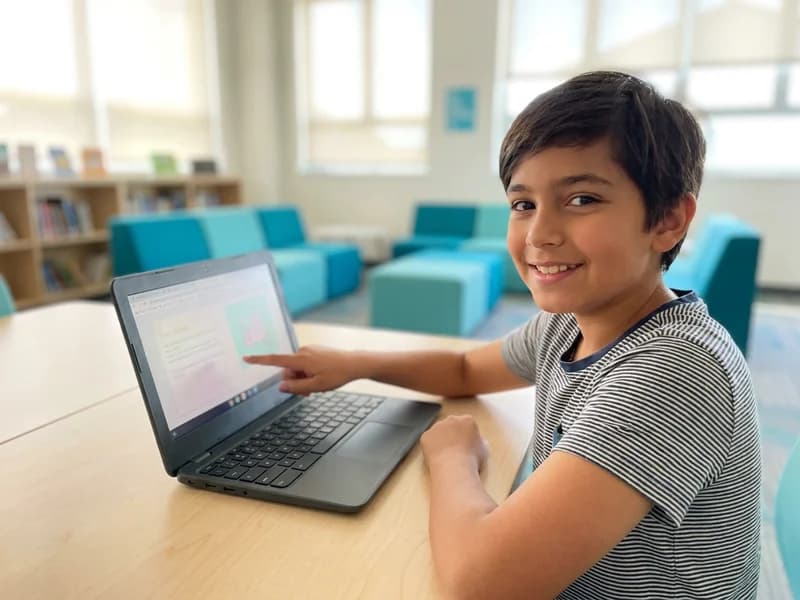
A mini-GPT fairy-tale generator, and they can explain how the real one works
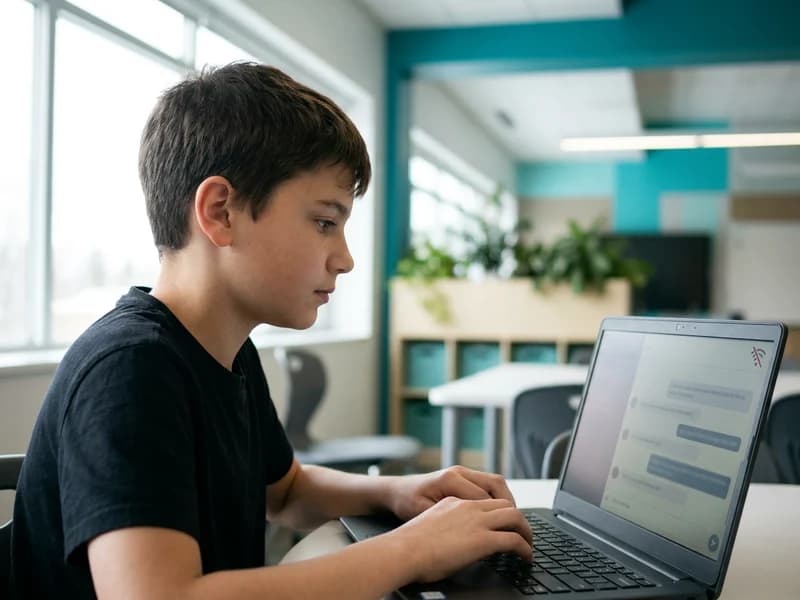
A private AI chatbot running entirely on a class laptop, with no internet and no account
Less scrolling. More building.
You've probably heard it from a friend, or wondered it yourself: “If AI can write code now, why would my child learn to code?” It's a fair question. Here's how we answer it, honestly. AI is very good at producing code, and very bad at knowing whether that code is right. Someone still has to decide what to build, spot what's broken, and judge what “good” looks like. Those are exactly the skills a child builds when they learn to code.
We won't promise your child will build the next big tech company. We will promise they'll stop being a passenger on their screens and start being the one driving.
Drop in, meet the instructors, and see a class in progress.
1040 Garner Rd W, Unit C106, Ancaster, ON, L9G 3K9
Mon, Tue, Thur & Fri: 4:00pm to 8:00pm Sat: 11:00am to 3:00pm Wed & Sun: Closed
See all locations Learn From HomeLive online classes, ages 6–18, anywhere in Canada.Same six-student classes, same instructors.Evening and weekend times, Pacific to Atlantic.Your child needs a laptop and headphones, nothing else.Explore online classes →
Small groups, a clear path, and something finished at the end of every session.
Every class ships: no lesson is pure theory, and your child leaves with something working
Six students per instructor, mixed ages, three difficulty tiers per lesson
Twice-weekly 60-minute classes; each level runs about five weeks
A showcase class: every level ends with your child presenting what they built
Badges, certificates and a project portfolio on CodeyKids, our own learning platform →
The Ultimate Coding Platform for Kids!
CodeyKids offers a dynamic and engaging space where children can explore the world of coding. With Codey as their guide, kids dive into activities that spark creativity and build crucial skills like problem-solving and logical thinking.
A simple and intuitive interface designed specifically for young learners to navigate with ease.
Step-by-step guided tutorials that help children learn coding fundamentals through interactive lessons.
Track your child’s progress and milestones, ensuring they stay on the right learning path.
A structured learning path that provides a roadmap for kids to progress from beginner to advanced coding skills.
Fun, creative coding challenges that reinforce problem-solving skills while fostering creativity.
Kids earn certificates and badges for completing challenges and courses, motivating continued learning.
Endless Opportunities Await: Year-Round Programs for All Ages

Hear From Parents
The ones we hear most at the front desk.